Users
Users
The Users section manages all users of the current tenant. Here, you can view existing accounts and invite new users to the platform.
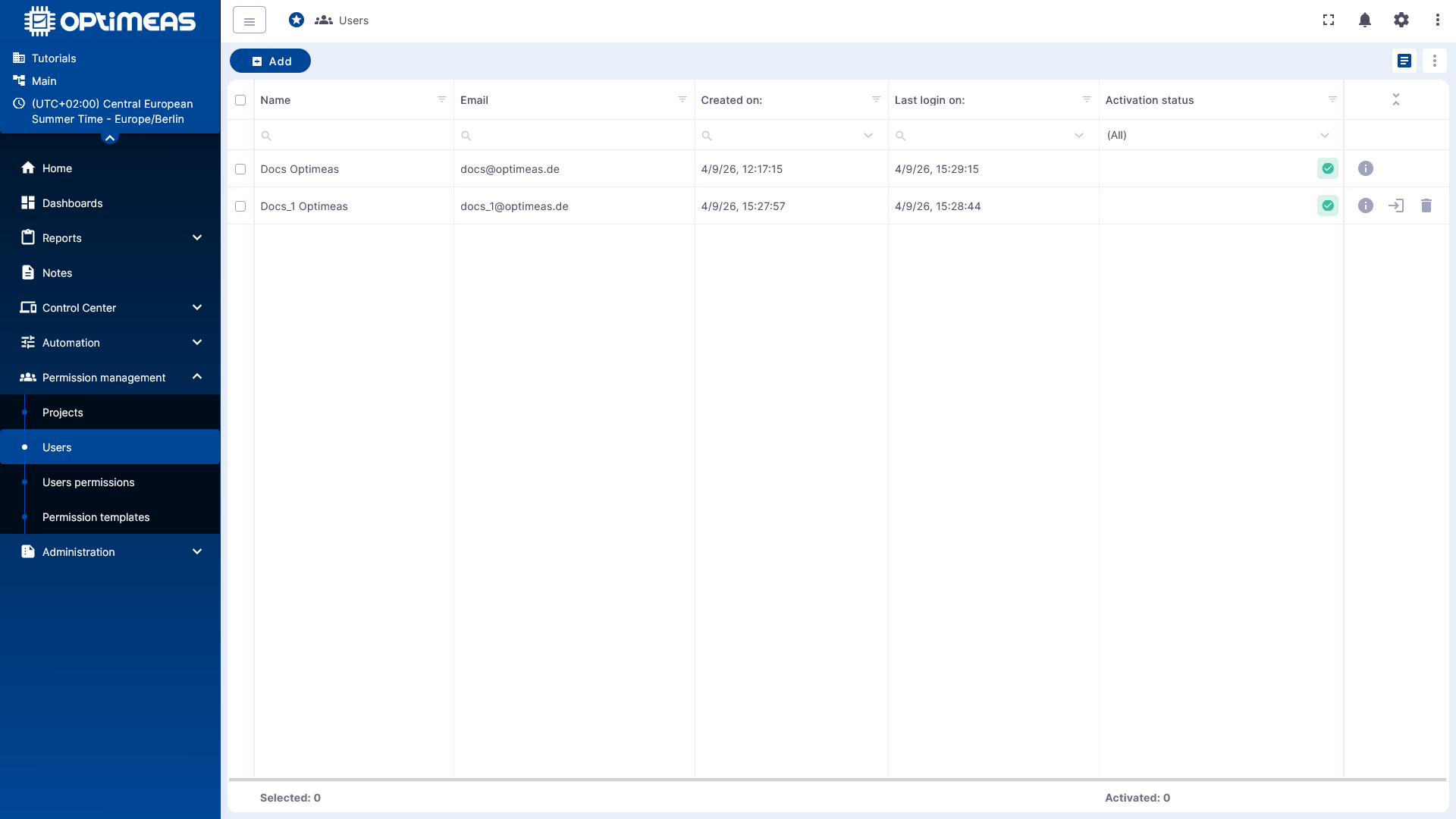
User Overview
The table displays the tenant’s existing user accounts in a central overview. Columns include:
- Name
- Email address
- Creation date
- Last login date
- Activation status
Filter and search functions are also available to narrow down the list.
Invite New Users
New users are invited using the Add button. At a minimum, the new user’s name and email address must be provided.
After being invited, the person receives an invitation email for the current tenant and can then activate their access and log in.
User Status and Actions
In the user list, you can view the status and available actions directly. Depending on the account, additional functions are available in the table, such as displaying further information or removing a user.
This makes the Users section the central hub for general user account management before these accounts are organized into projects or assigned specific permissions.
Relationship to Projects and Permissions
User management alone does not yet define which content a user is allowed to access. This assignment is made via projects and individual user permissions.
The Users section therefore forms the basis for the next steps in permission management:
- Create or invite users
- Assign users to projects
- Grant project-specific permissions