Device
Device
In optiCLOUD, a Device represents the digital twin of a real-world asset or device. It consolidates all associated information, statuses, communication data, and files in a central location.
The individual tabs within a Device cover various functional and technical areas. This allows users to manage master data as well as live data, files, messages, and management functions directly on the device.
Details
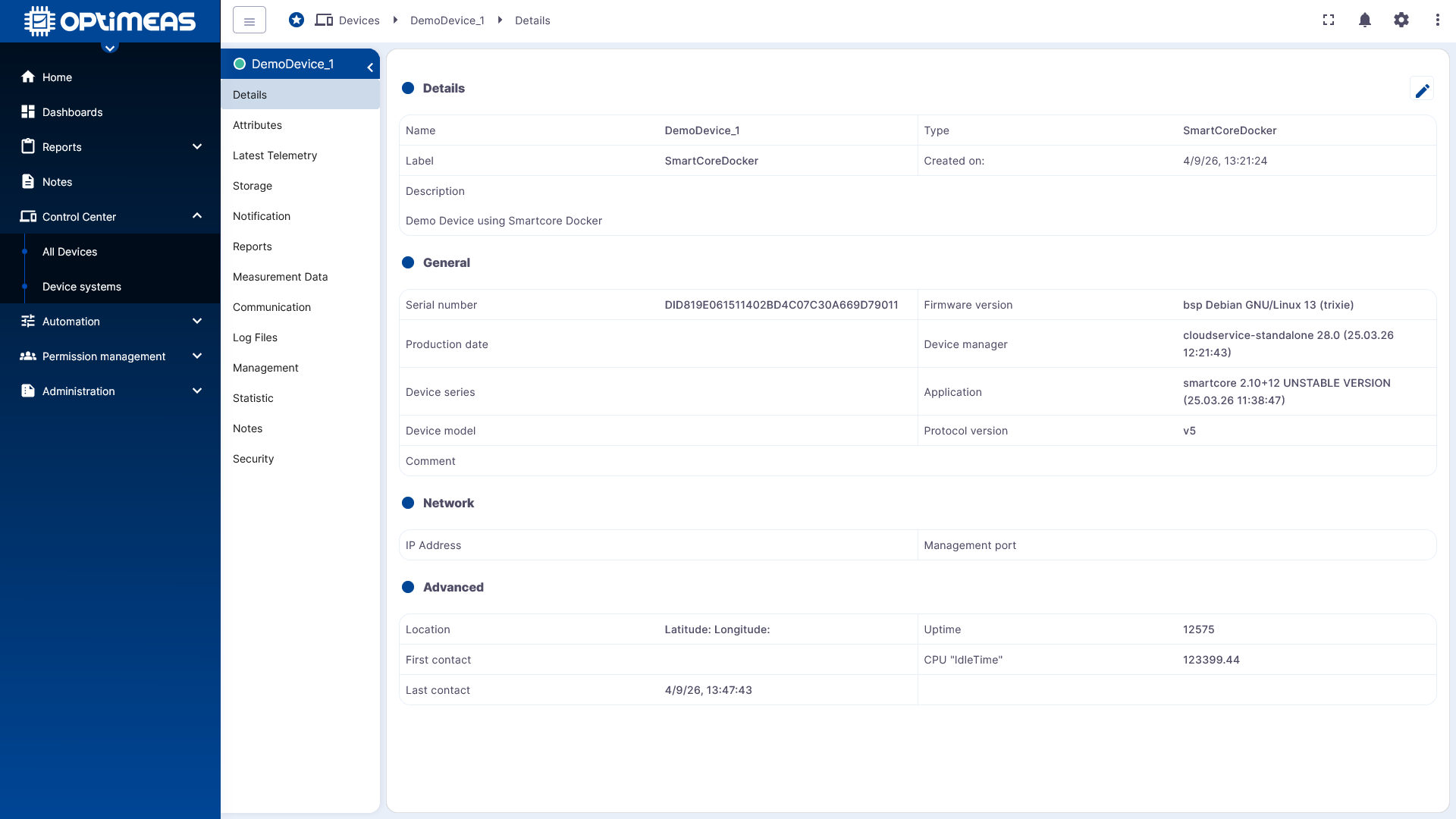
The Details section displays the device’s basic master data. This includes, among other things:
- Name
- Device type
- Label
- Description
- Creation date
This section serves as a quick reference for uniquely identifying a device and checking its most important metadata.
Attributes
The Attributes section manages the device’s current attribute values. Unlike telemetry data, attributes do not have a time series but always have only one currently valid value.
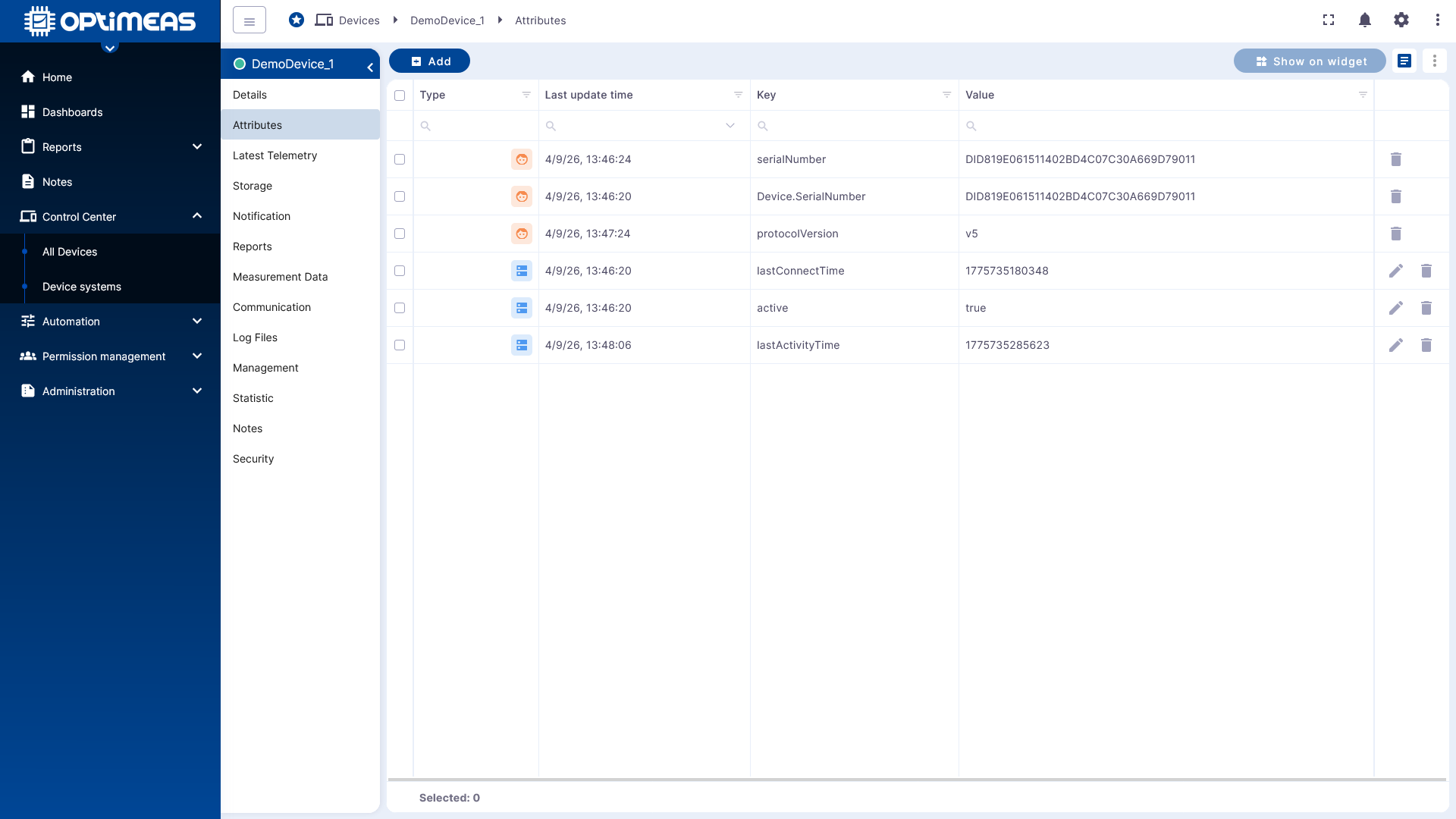
There are three types of attributes:
- Client Attributes are set by the device and can be read by the user.
- Shared Attributes are maintained by the user and can be read by the device.
- Server Attributes exist solely within optiCLOUD and are not directly visible to the device.
The table displays the available attributes with their type, key, current value, and last update time. Using the action bar, you can create new attributes, export selected entries, or edit and delete them depending on the type.
Current Telemetry Data
The Current Telemetry Data section displays the most recently received measurement and status values for the device. This data is stored as a time series and is therefore suitable not only for live monitoring but also for later analysis of historical trends.
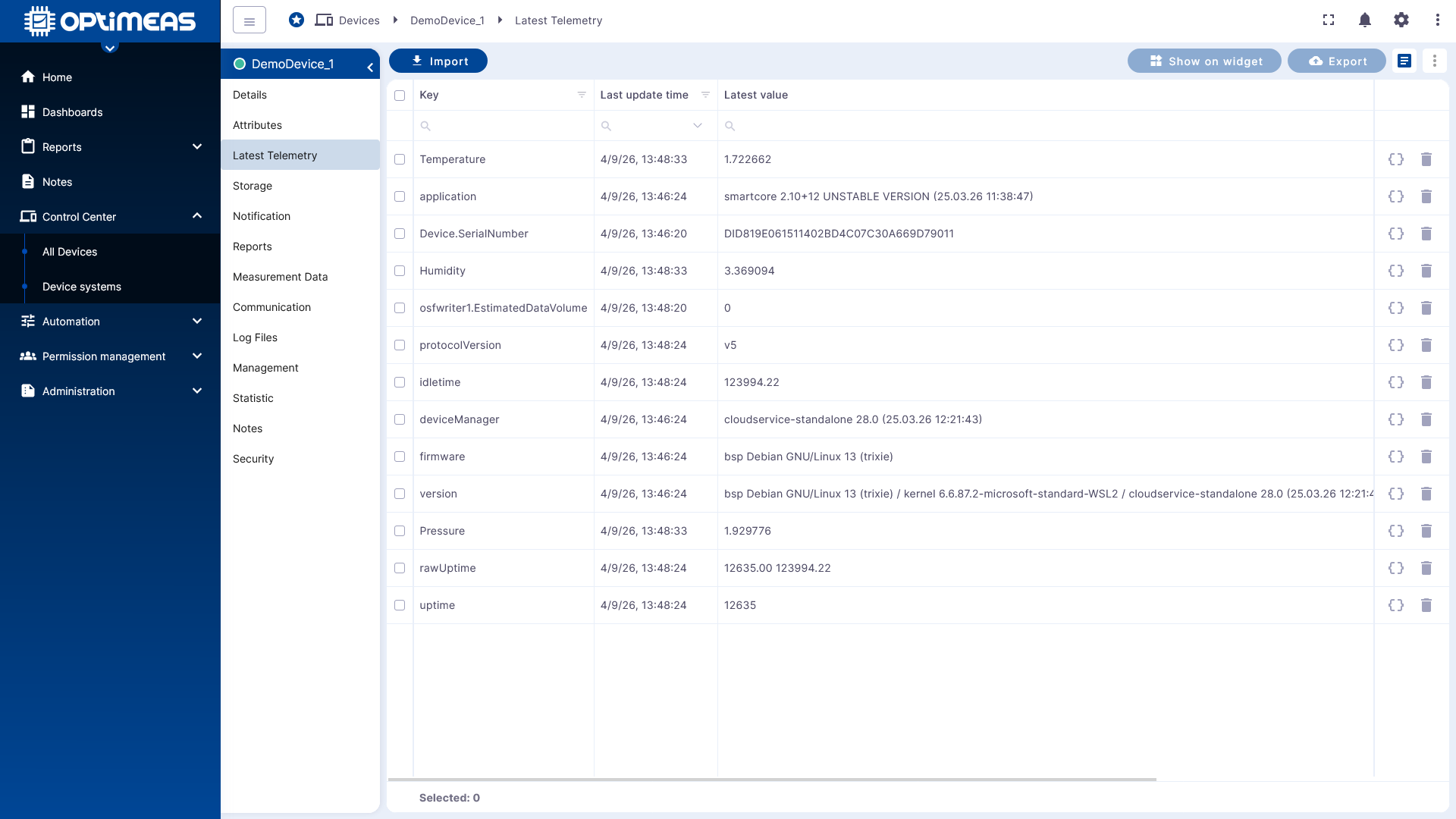
The table displays the following information for each channel:
- Telemetry channel key
- Last update time
- Last transmitted value
- Data type
Additionally, selected channels can be directly imported into widgets or exported for a defined period.
Storage
The Storage section manages files associated with the device. These may include, for example, configuration files, logs, measurement data, or other technical documents.
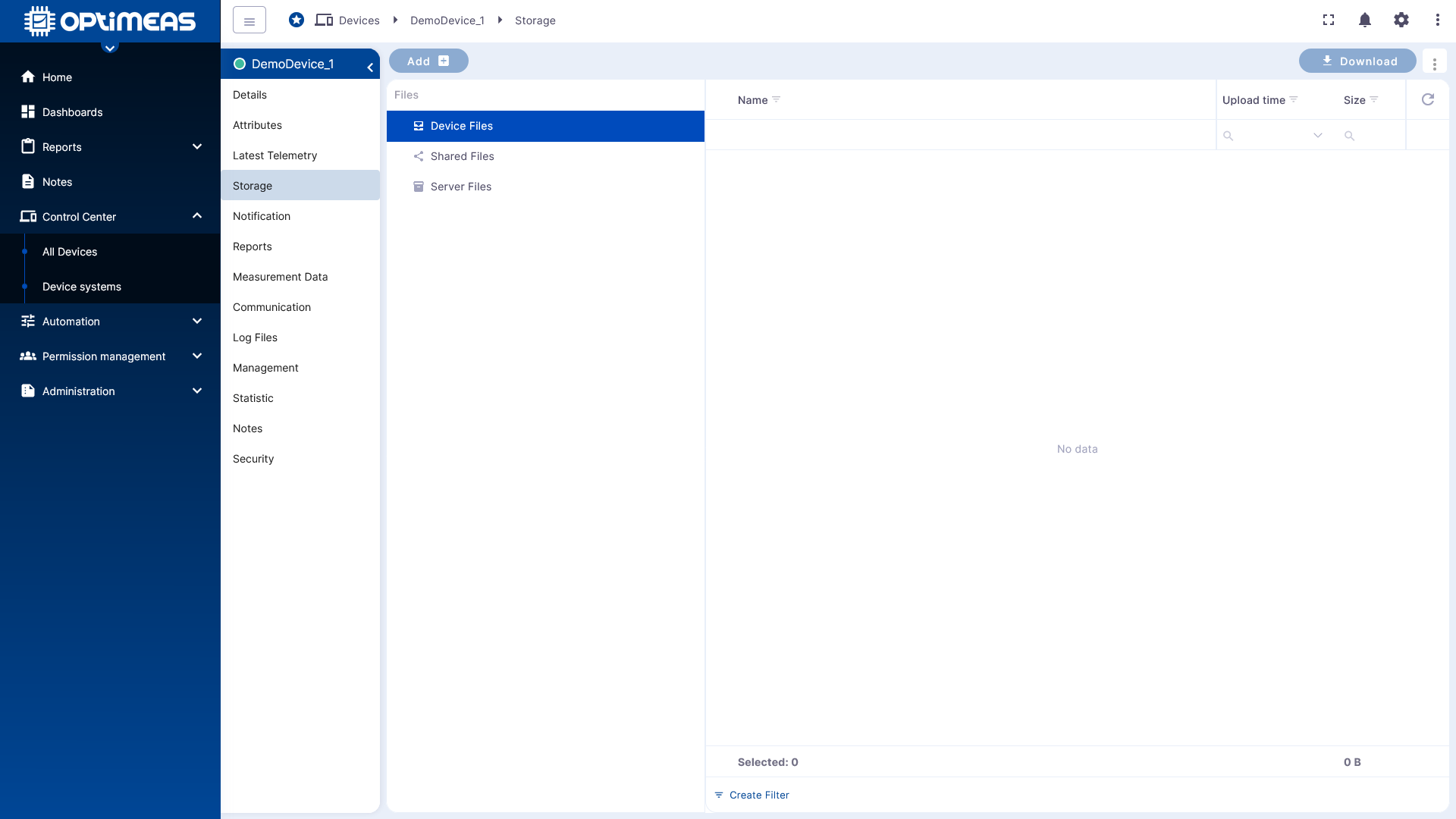
The files are organized into separate sections:
- Client Files are provided by the device.
- Shared Files can be used by both the user and the device.
- Server Files are managed exclusively within optiCLOUD.
The interface is structured like a file explorer. Depending on the section, files can be uploaded, downloaded, or deleted.
Notifications
Notifications displays events and messages related to the device, such as alarms or connection events.
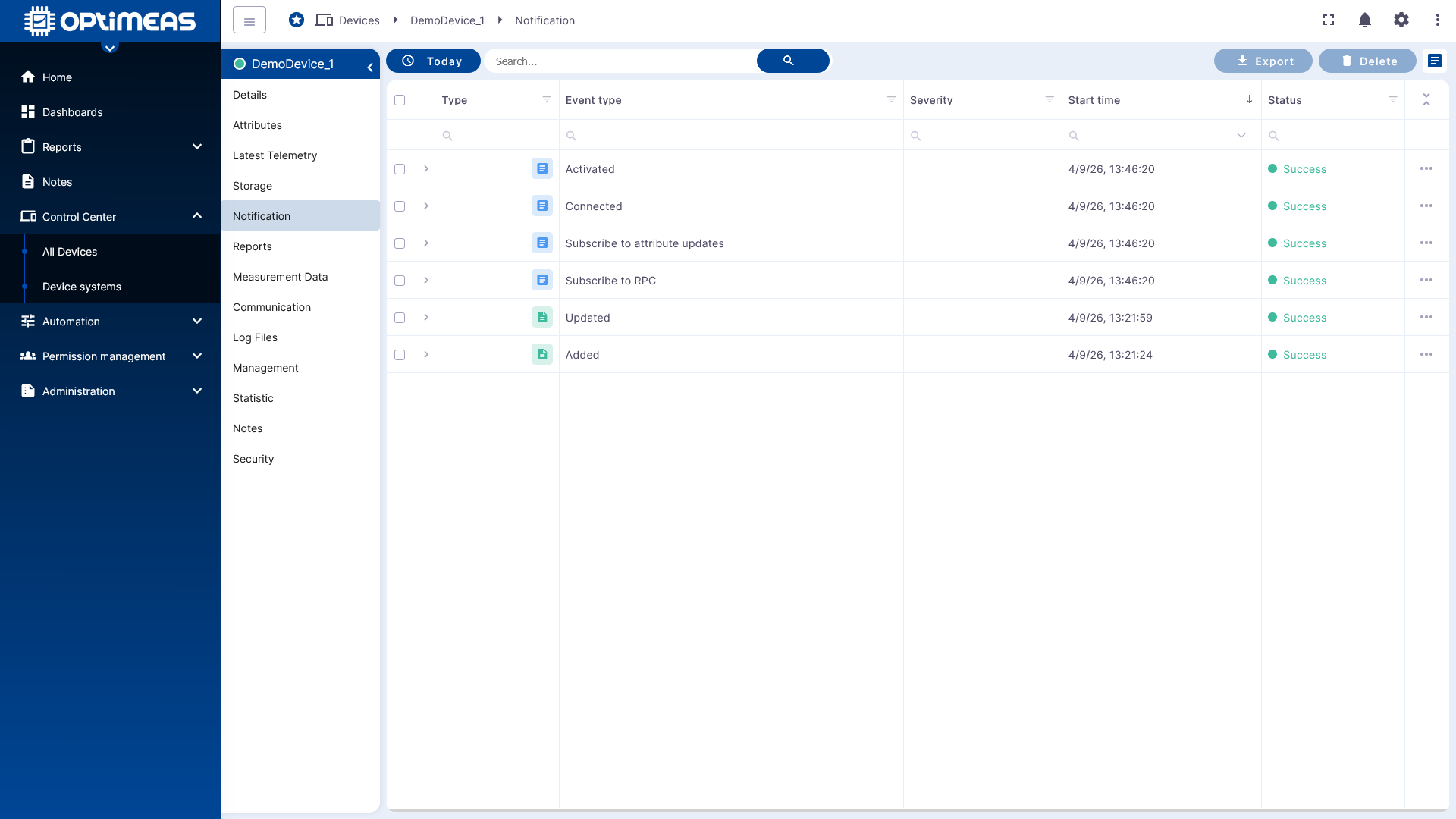
Depending on the event, the table contains information such as:
- Type
- Event type
- Severity
- Start time
- Status
This section is used to centrally track status changes and relevant incidents for a device.
Reports
The Reports section stores generated reports for the device. These reports can cover various technical topics, such as statistics, alarms, connectivity, telemetry, or measurement data analyses.
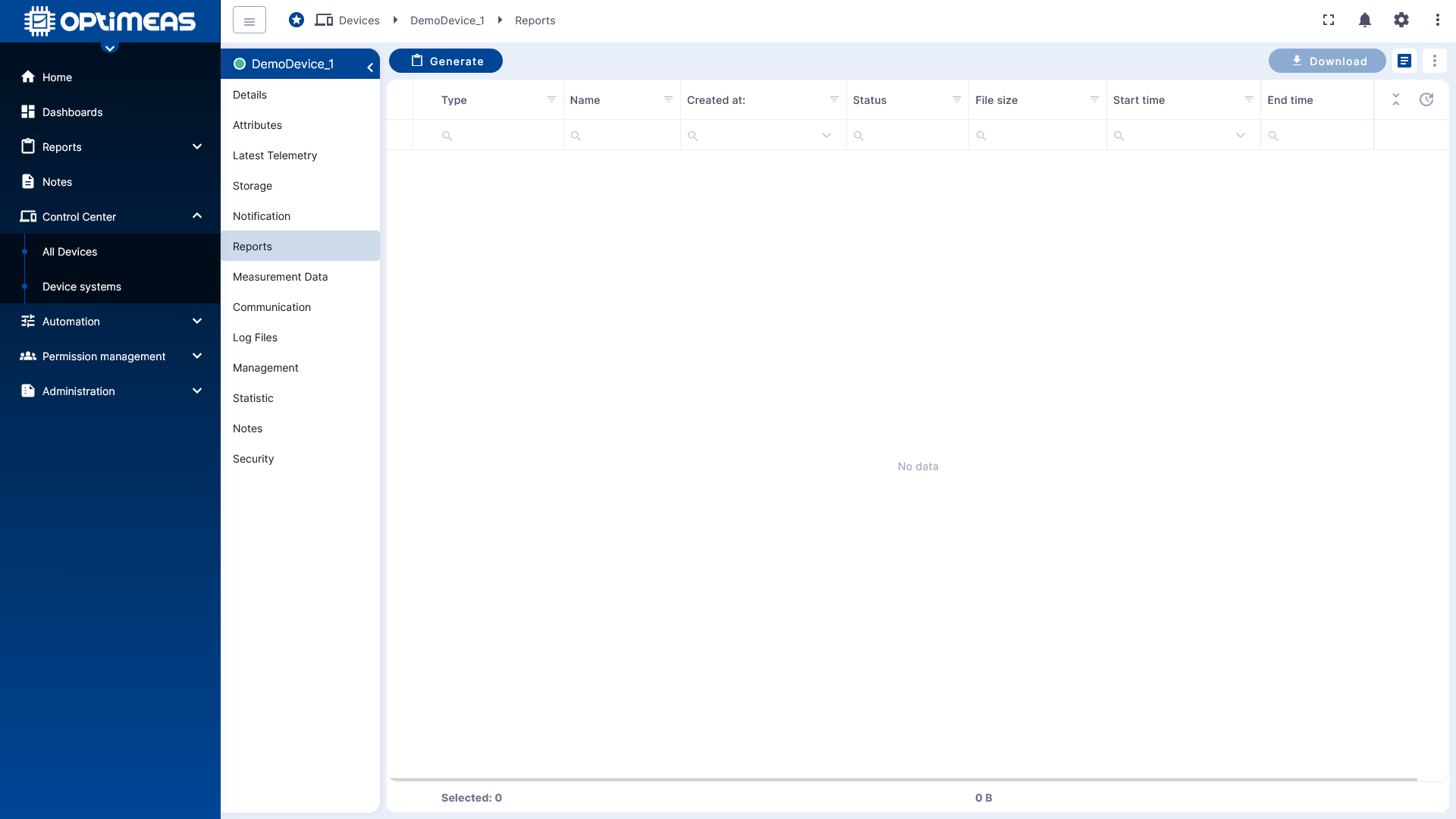
For each report, the type, file name, creation time, status, file size, and the corresponding time range are displayed, among other details. Reports that have already been generated can be downloaded or deleted directly.
Measurement Data
The Measurement Data section contains high-resolution measurement files from the device in OSF format. This data is intended for detailed analysis and further evaluation.
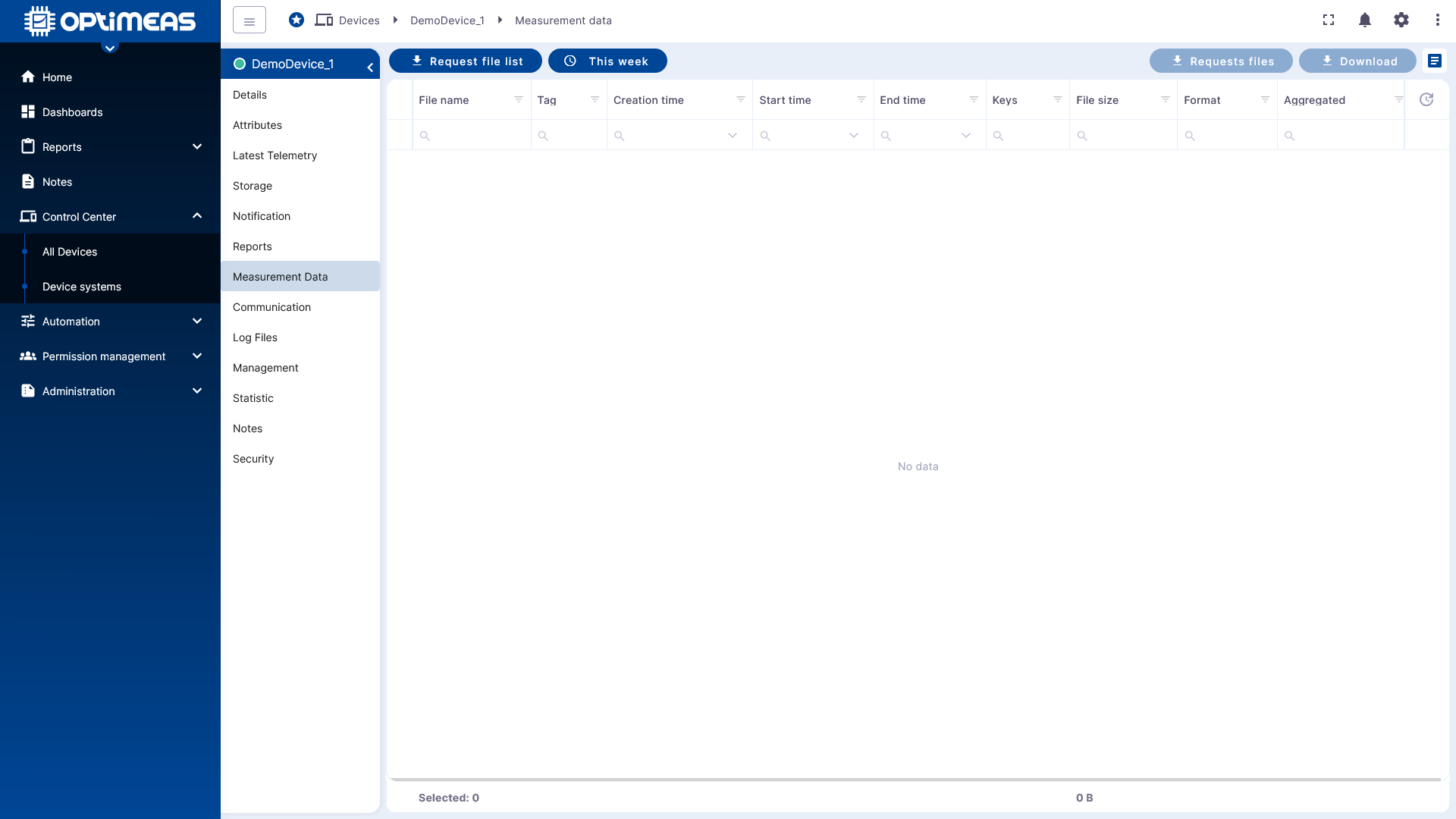
The list includes:
- File name
- Date
- Creation time
- Start and end times of the measurement
- Number of channels
- File size
- Format
- Aggregation status
Communication
The Communication section provides a clear overview of the technical communication between the device and the cloud. This allows you to check which messages have been transmitted and their current status.
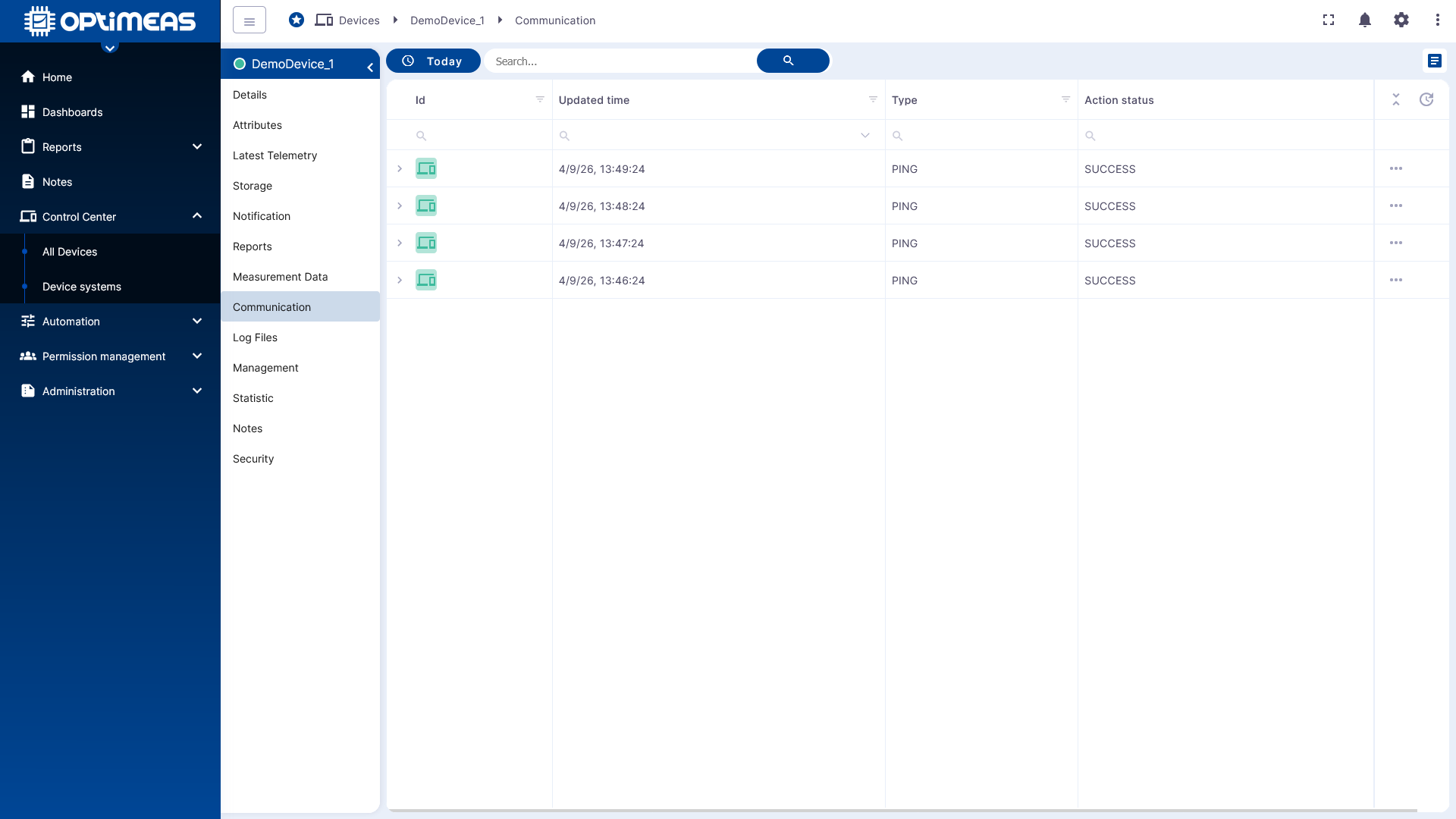
Columns in this section are:
- Update time
- Message type
- Status
This section is particularly relevant for diagnostics and error analysis.
Log Files
The Logfiles section provides the device's log files. These files support the analysis of errors, anomalies, and operational behavior.
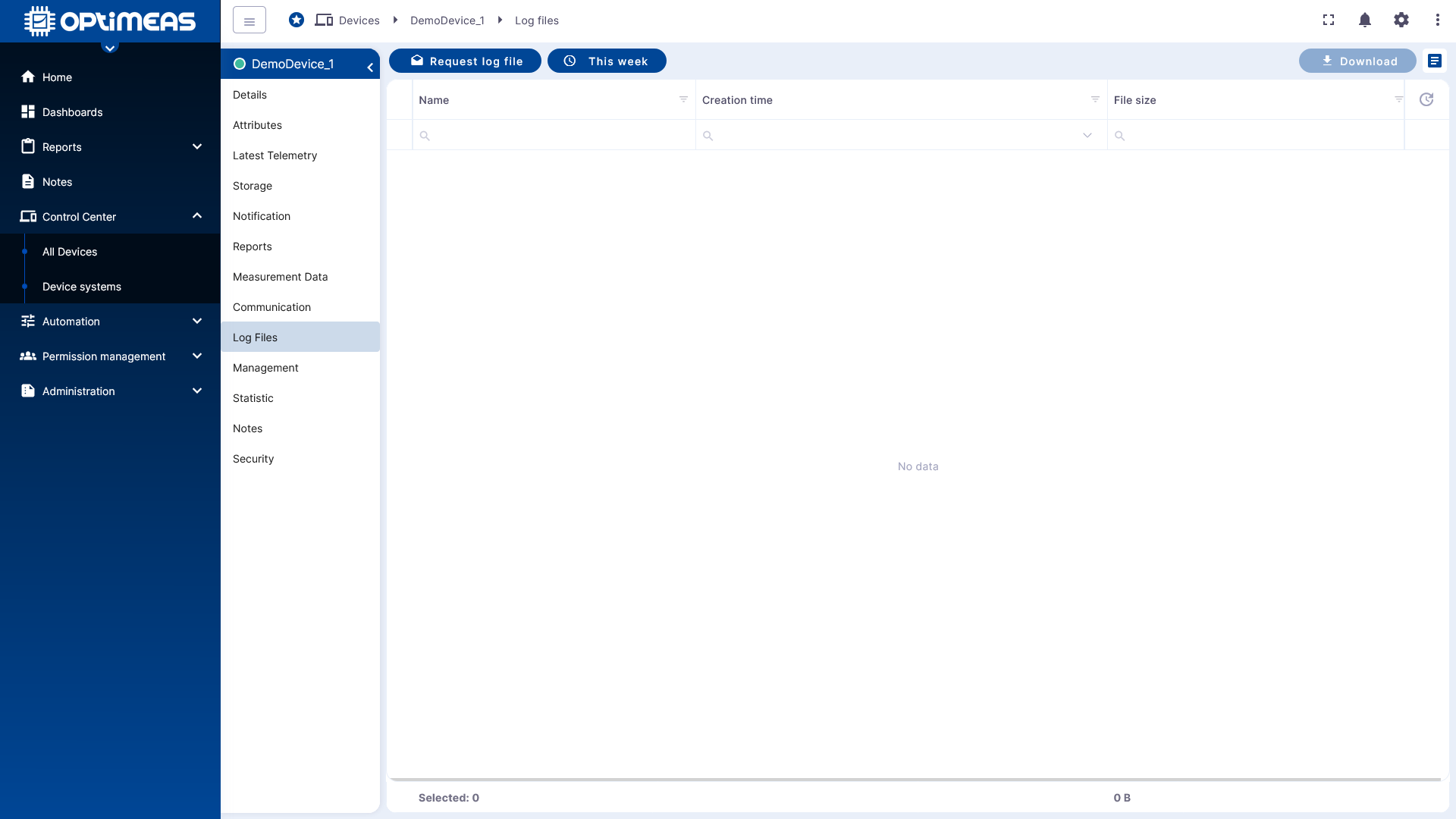
The following information is displayed, among other things:
- Log file name
- Creation time
- File size
Management
The Management section provides additional administrative functions for supported devices. Depending on the device type, these include functions for configuration, updates, or other administrative tasks.
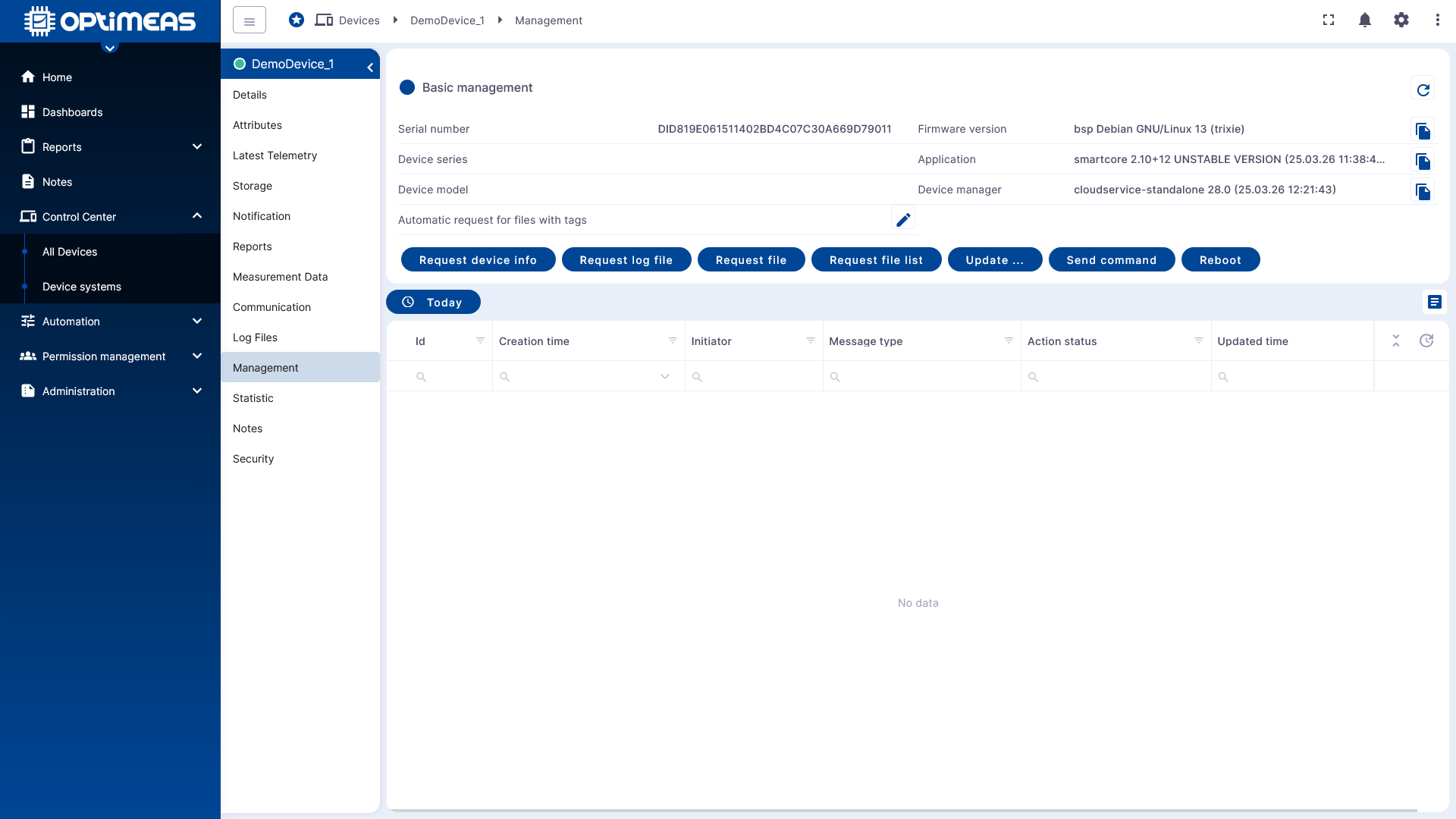
This section is primarily relevant for technical users who actively operate and maintain devices.
Statistics
The Statistics section provides statistical information about the device, such as connections, messages, or system events.
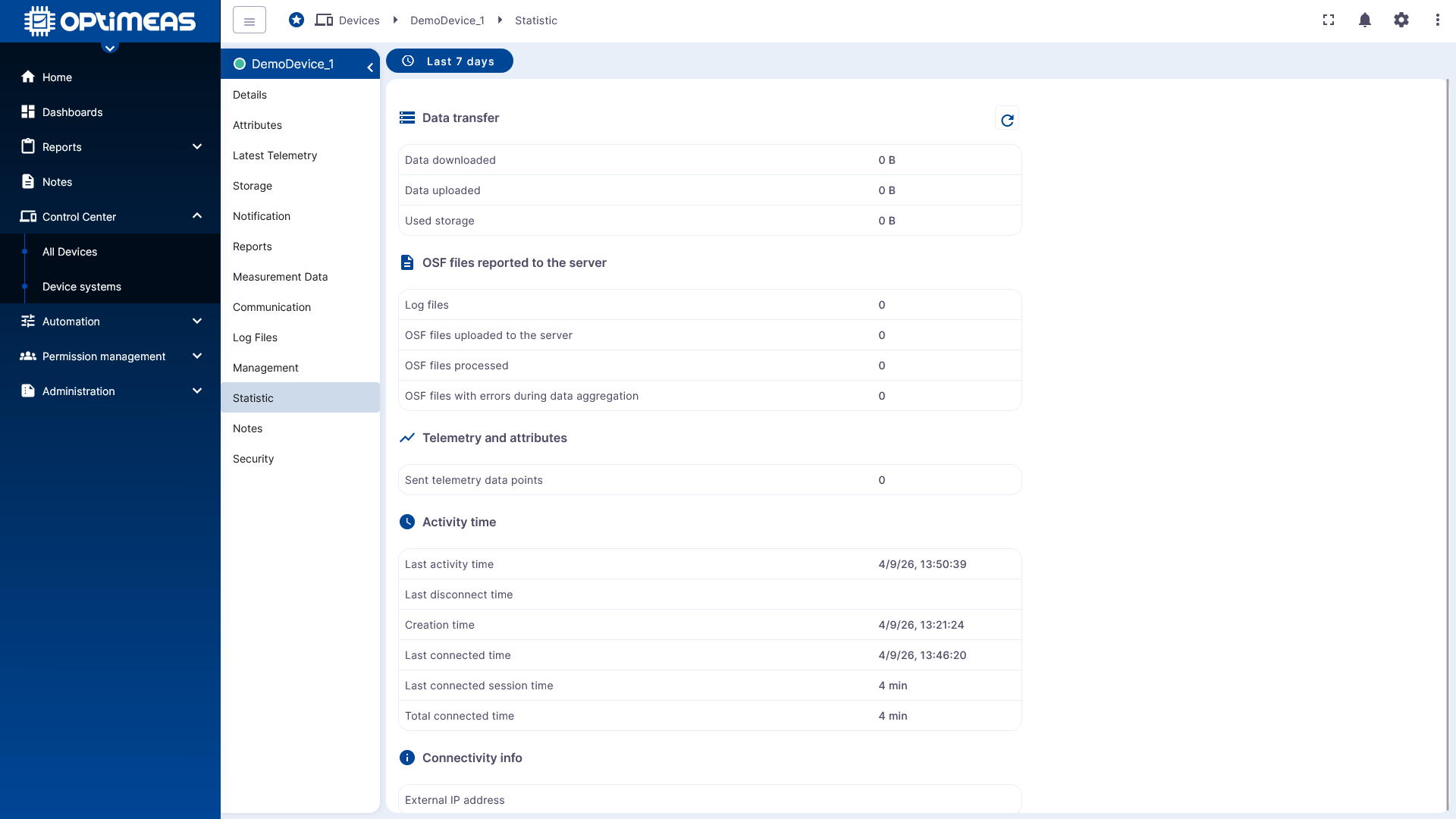
Depending on the context, the following information may be visible here:
- Creation time
- Initiator
- Message type
- Status
- Last update time
This view helps evaluate a device’s stability, usage, and system behavior.
Notes
In the Notes section, users can enter internal notes about a device. This allows technical notes, processing statuses, or organizational information to be documented directly on the digital twin.
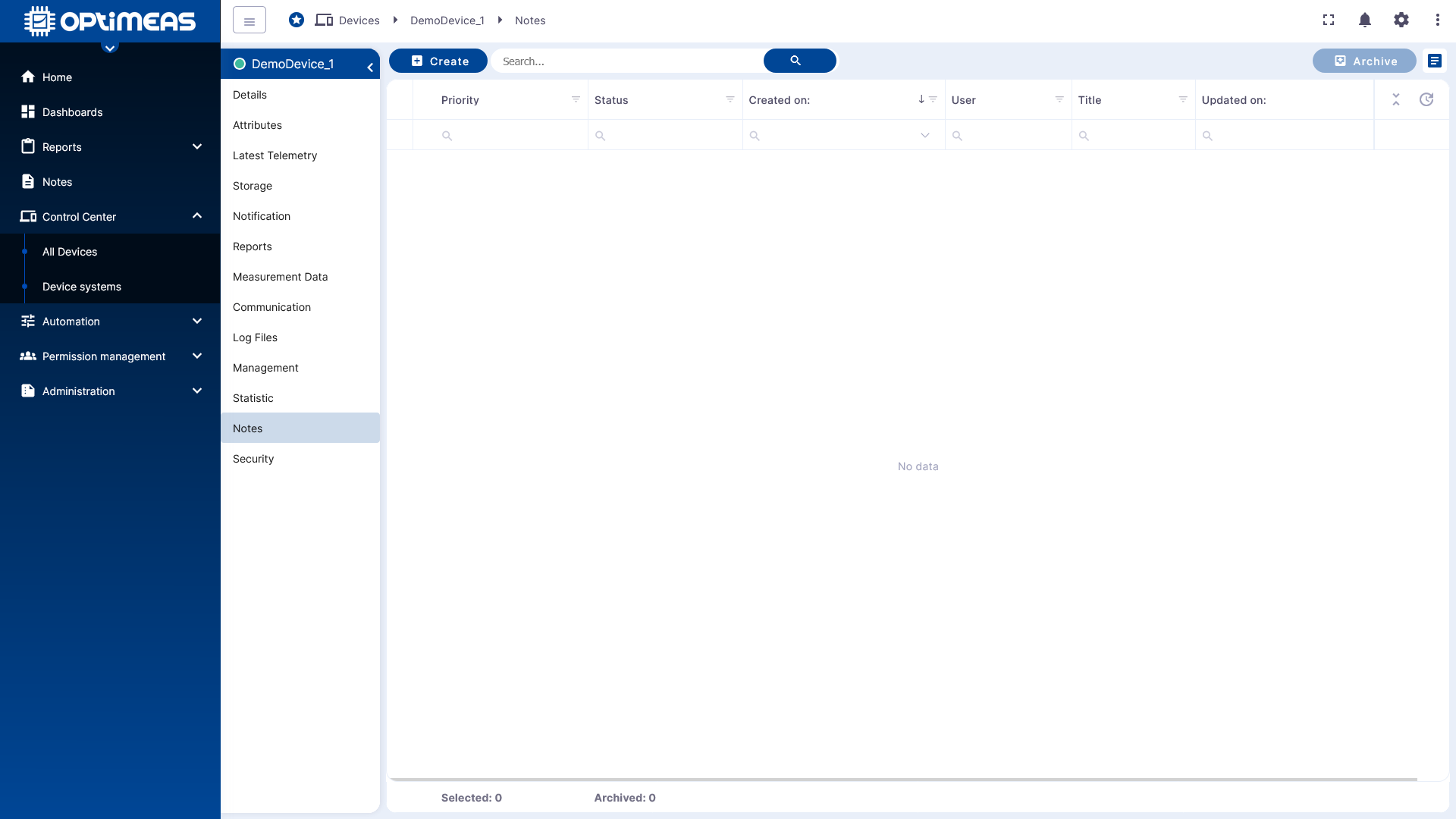
Entries include:
- Status
- Priority
- Creation date
- User
- Title
- Last update
Security
The Security section consolidates security-related information and functions of the device, such as those related to identities, tokens, or access mechanisms.
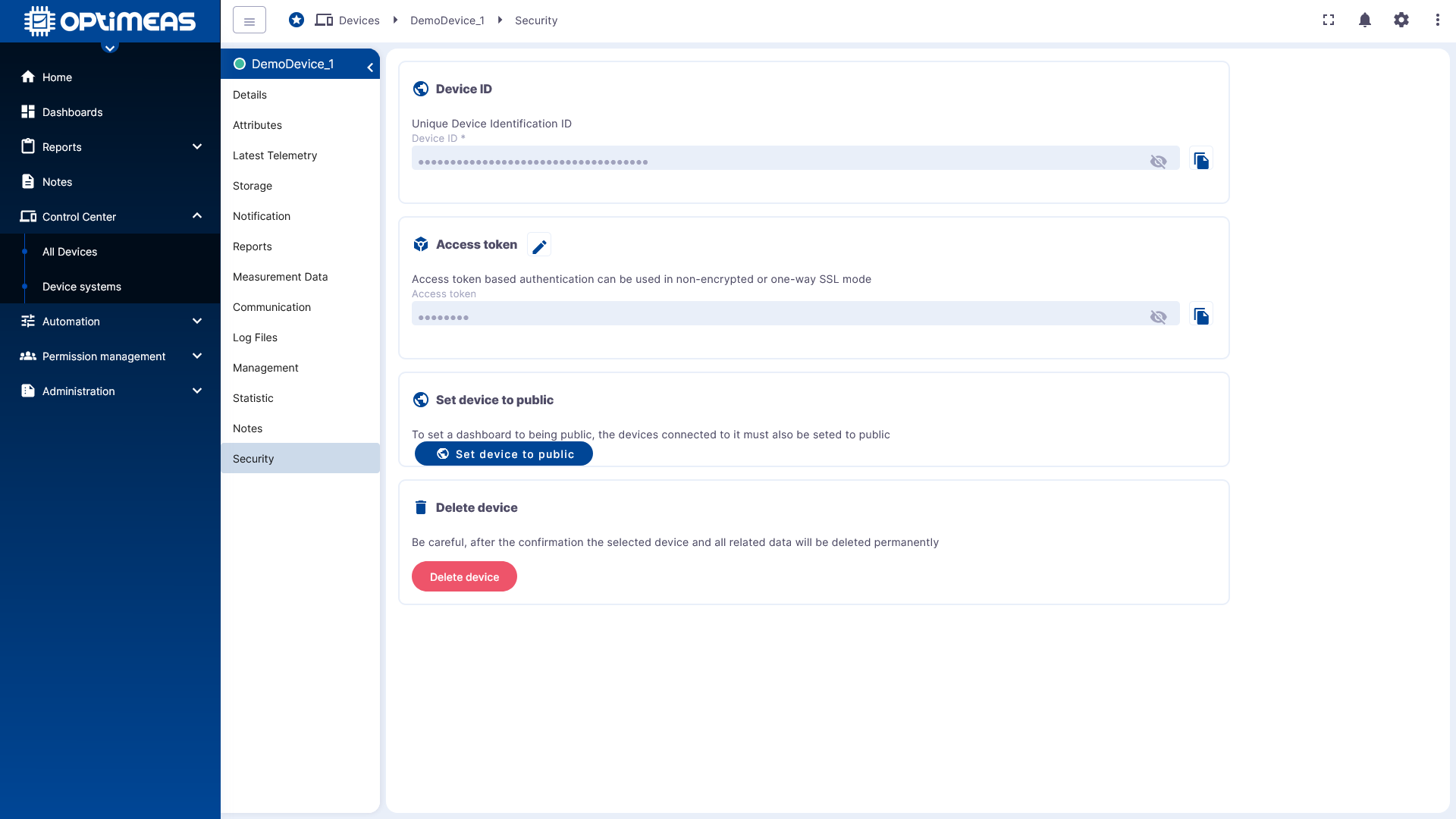
The content available here depends on the device type, platform configuration, and the enabled security mechanisms. This section helps ensure the integrity and secure operation of a device in optiCLOUD.