Main menu
Global functions and other auxiliary programs are available to the user in the main menu.

File
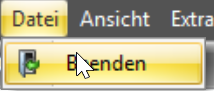
In the file menu it is only possible to close the complete application.
View
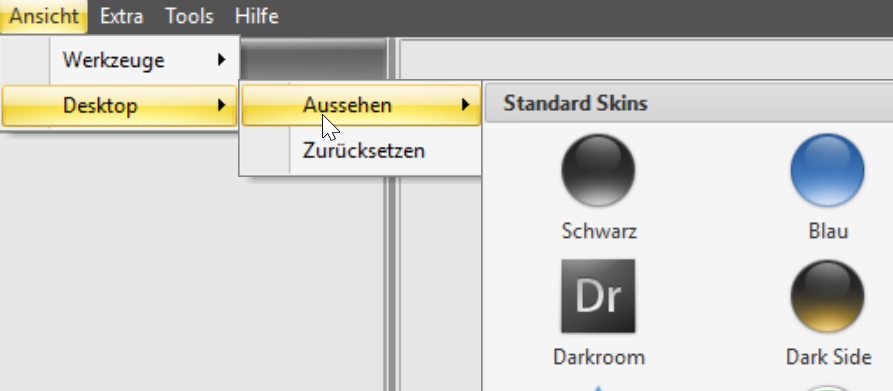
There are two menu items under View. All available help windows can be called up in the Tools menu.
In the Desktop menu, the user can change the appearance (look and feel) of the program.
Tool dialogs
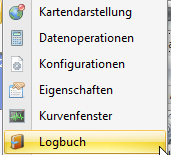
The following help and tool windows can be displayed:
- Map display: Map view for GPS data
- Data operations: Functions for file export and data editing (join files, cut data)
- Configurations: Storage for configurations
- Properties: For internal use
- Curve window: Display for measurement data in a curve diagram
- Logbook: Display for program messages
Extra
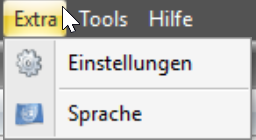
In the Extra menu, the global settings dialog can be called up and the program language can be changed.
Settings
In this area, global settings can be made within the optiCONTROL software can be made.
Program language
The language of the optiCONTROL software can be changed in this dialog. Simply select the
desired language in the list and click the OK button.
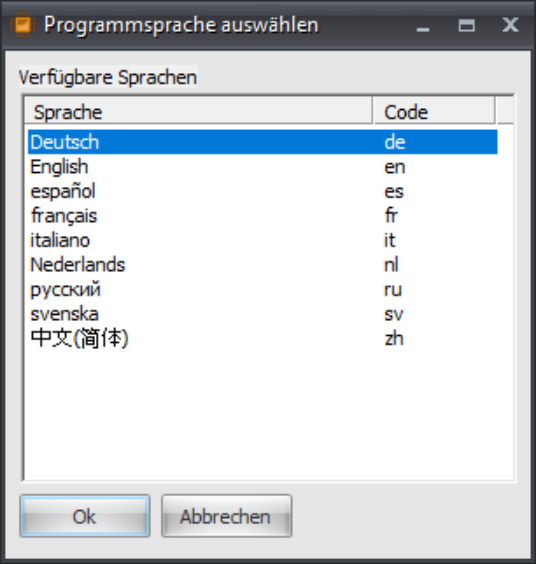
The texts within the application are then immediately displayed in the desired language.
If no translation is available for a language, the default text in German is used.